تخطَّ إلى المحتوى
Hiring for more than 10 positions, including Head of Strategy, Finance Manager, Growth Manager, and Backend Engineers • Volt Lines announces the closing of a $3M Asset-Backed Corporate Bond • Book a demo. Move your team smarter • Volt Lines is coming soon to the UK, get in touch before we land! • Discover how our software helps move hundreds of dogs in Dubai every day • Meet us at Fleet Days Europe in Lisbon on October 27–28, 2026 •

Routes, optimised.

Starting from rider addresses and shift, office and class times, it calculates the routes that arrive soonest with the fewest vehicles.

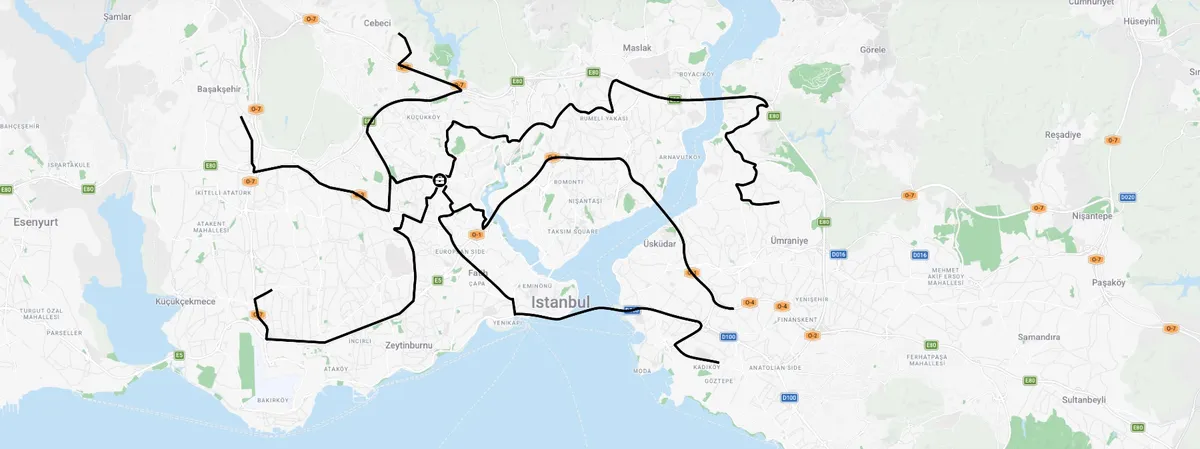
Hover over a route to see what's wrong
Hover over a route to see what changed
What the routing engine changes
20% fewer vehicles for the same riders
30% shorter average journey time
87% average vehicle occupancy
60 s to recalculate routes

A first estimate for your organisation

Answer a few questions and see straight away how many vehicles you could run with and how much distance a day you could save.

Which sector is your organisation in?

We set the plan's rules for your sector.

Your starting plan Your organisation Awaiting answers
Method
Vehicles
Rules
First scenario

As you answer, a plan for your organisation takes shape here.

How is a route made?

Optimisation is not a one-off calculation. Data is gathered, rules are set, routes are calculated and published, and what comes back from the road feeds the next plan.

What does the engine take into account?

A good shuttle route is not just the shortest path. How far a rider walks, how full the vehicle is, arrival before the shift and the traffic at that hour are all part of the same calculation.

Stop placement

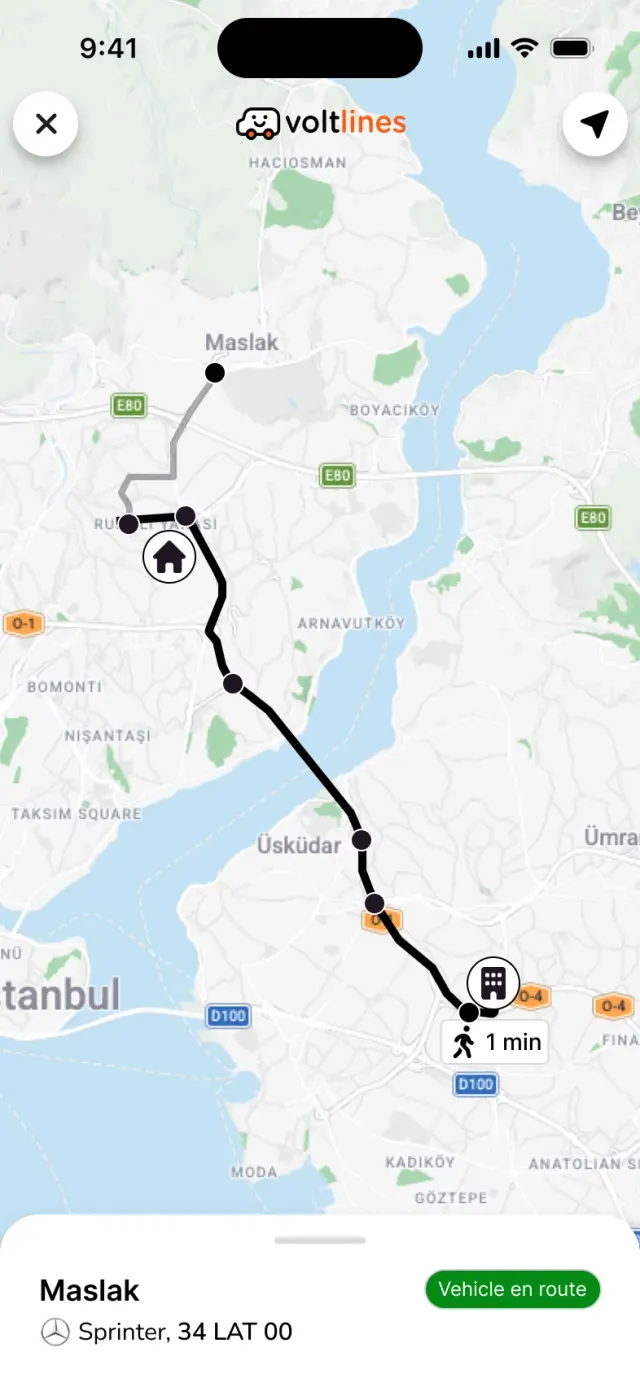
Nearby addresses are grouped at shared stops. Every rider's walk to the stop stays within the limit you set, and riders see their stop and how long the walk is in the app.

The passenger app's live trip screen, showing the walk from home to the stop and the shuttle's route
Home to stop 4 min walk · 280 m
Shared stop 6 riders board at the same stop
Walking limit Up to 400 m

Rules and constraints

The arrival window, longest journey time, walking distance and vehicle types are set separately for each site and shift. The engine never proposes a route that breaks them.

Planning rules Morning shift · 08:00
Arrival window 07:40 – 07:55
Longest journey time 60 min
Walk to the stop 400 m
Vehicle types

Scenario comparison

Scenarios with different goals are built from the same rider data. You see vehicle count, journey time and occupancy side by side and decide before anything is published.

Route scenarios Gebze OSB · 1,240 riders Calculated in 42 s
6 fewer vehicles and 410 km less a day; journeys 5 min shorter.

Departure times set by traffic

Journey time is forecast from past trips and traffic data for that time of day, not from an average. The departure time is set so the vehicle arrives inside the window before the shift.

Route 03 · Kartal → Gebze OSB Trips from the last 8 weeks Mon – Fri
Departs 07:00 · estimated arrival 07:52 In window
06:2007:1008:00
Tap a bar to change the departure and see the arrival.

A daily plan built on demand

Riders share their weekly plans in the rider app. The next day's routes are built only for the riders who are coming, so fewer vehicles run with empty seats.

This week Plans from the rider app Fixed plan · 42 vehicles
34 veh. 35 veh. 32 veh. 35 veh. 26 veh.
Mon 1,180 riders Tue 1,215 riders Wed 1,090 riders Thu 1,204 riders Fri 860 riders

Recalculation when things change

When there is a new employee, a change of address or shift, a breakdown or roadworks, only the affected routes are recalculated. Everyone else keeps their stop and time.

+ New employee · Ece Yalçın Route 07 · Stop 12, journey +2 min Calculating
A Address change · Can Tekin Stop 09 → Stop 14 · Route 03 Live
S Shift change · 4 riders Moved to the evening routes Live
! Breakdown · 34 VL 205 Riders moved to Route 02 and Route 05 Live
R Roadworks · D-100 Kartal 3 routes on an alternative road Live

Route planning and route optimisation: the difference

Planning decides which stops each vehicle passes. Optimisation answers the same question for every vehicle, rider and rule at once, and measures the result.

Route planning Volt Lines route optimisation
Stop order The order of stops is set by hand, looking at the map. All stops and vehicles are weighed together; the order is calculated for the shortest total time.
Vehicle count The vehicles you have are spread across the routes. The number and type of vehicles needed is calculated from riders, capacity and the occupancy target.
Rules Arrival time and journey time are checked after the route is drawn. The arrival window, journey time and walking distance are part of the calculation.
Traffic The same average time is used all day. Past trips and traffic data for each time of day are used.
Changes A new rider or address means reworking the route from scratch. Only the affected routes are recalculated; the rest stay as they are.
Measurement The outcome shows up on the invoice at the end of the month. Planned and actual are compared every day on vehicles, km, time and occupancy.
Guide · 12 min read

How does route optimisation work for shuttle services?

From a rider's address to a published route: what is calculated at each step, which data it uses and how the result is measured.

01

What is route optimisation?

Route optimisation is working out in which order, and by which roads, a group of vehicles should visit a group of points at the lowest total cost while keeping to a set of rules. Cost is not only distance: the number of vehicles, driver hours, the time riders spend on board and empty seats all count.

Finding the shortest road between two points is a navigation app's job. Optimisation weighs every possibility at once while spreading hundreds of riders across dozens of vehicles. Changing one vehicle's stop order changes the load on the others, so the problem is solved for the whole fleet, not route by route.

02

What makes shuttle transport different?

In parcel delivery a vehicle leaves the depot, drops its parcels and comes back. On a staff or school shuttle the load is people, and every rider has to reach the same place within the same narrow window. So shuttle routes are built around other constraints:

A shared arrival time Every vehicle has to reach the site in the 10–15 minute window before the shift starts.
A journey time limit The bigger the gap between the first and the last rider on board, the less fair the route.
Walking distance Door-to-door pick-ups make journeys longer; a stop that is too far away and riders stop using the shuttle.
The same trip every day Riders use the same stop every day; every route change is a change of habit too.
03

Data: where optimisation starts

A route is only as good as the data the engine is given. A mislocated address sends a rider to the wrong stop and a vehicle on a needless detour. So the first step is gathering the data and checking it.

Rider addresses
Addresses are turned into coordinates. Those that do not match at building level, and missing or conflicting records, are listed separately to be fixed.
Shifts and calendar
Each rider's shift, start and finish times, rotation pattern and days off.
Sites
Gate locations, where vehicles can pull in and the rules for entry.
Fleet
The vehicle types available, seat counts, vehicles per supplier and contracted unit prices.
Past trips
Actual journey times from earlier trips are the basis of the traffic forecast for each time of day.
04

How does the engine build a route, step by step?

In operations research this is known as the capacitated vehicle routing problem with time windows. The number of possible routes grows exponentially with the number of riders, so trying every option one by one is impossible. The engine splits the problem into four steps that feed each other and improves the solution at each one.

  1. Stop placement Riders who live close to each other are clustered. For each cluster the engine picks a point where a vehicle can stop safely, close to a main road and within every rider's walking limit.
  2. Vehicle assignment Stops are shared out between vehicles. When one is full the next one opens; areas with few riders get a smaller vehicle type.
  3. Stop order Each vehicle's stops are ordered for the shortest total time without any rider's journey going over the limit. One-way streets, banned turns and streets a large vehicle cannot enter are taken into account.
  4. Timing Working back from the arrival window, a departure time is set for every stop, using the traffic forecast for that time of day.

Once there is a first solution, the engine keeps swapping stops and vehicles to bring the total cost down. Any change that breaks a rule is rejected. For a site with more than a thousand riders this usually takes under a minute.

05

Forecasting traffic and journey time

In Istanbul the same road can take 40 minutes at 06:30 and 65 minutes at 07:30. A plan that uses one average time all day either has riders waiting at the site because they left too early, or vehicles that arrive late.

Volt Lines uses past trip data for every road segment by day of the week and time of day. Seasonal changes such as schools reopening, the days before public holidays and long-running roadworks are added to the forecast separately. That way the departure time is the one most likely to get the vehicle into its arrival window.

06

Balancing goals: scenarios

The plan with the fewest vehicles usually means longer journeys. The plan with the shortest journeys needs more vehicles. There is no single “right” route; the right one depends on what the company puts first.

So the engine builds several scenarios from the same rider data, with different weightings. Vehicle count, daily distance, average and longest journey time, occupancy and estimated monthly cost are shown side by side. Operations and HR decide together, and the current routes keep running until the approved scenario is published.

07

Static and dynamic optimisation

With static optimisation, routes are rebuilt periodically, for example every month or when a new shift pattern starts, and stay fixed in between. Riders keep the same stop and time, which suits teams with regular hours.

With dynamic optimisation, routes are rebuilt every day from demand. Riders share their weekly plans in the rider app, and the next day's routes are calculated only for those who are coming. With hybrid and flexible working it cuts the number of vehicles running with empty seats.

With either approach, changes during the day, such as a new employee, a change of address or a breakdown, are recalculated only on the routes they affect.

08

After publishing: measuring and improving

Optimisation does not stop when a route is published. On every trip the driver app records the vehicle's position, arrival times at each stop and how many riders boarded. The gap between planned and actual is used to correct the traffic forecast and the stop placement in the next calculation.

Occupancy Riders on board as a share of vehicle capacity.
On-time arrival The share of trips that arrive inside the window.
Journey time The average and longest time riders spend on board.
Cost per rider Total shuttle cost divided by the number of riders carried.
09

A checklist before you start

To speed up the first optimisation, it is enough to have the following ready. Anything missing can be filled in with our team during set-up.

Frequently Asked Questions

Let's calculate your routes together

Share your rider addresses, shift times and current routes, and our team will go through with you what optimisation would change in your operation.

Coming soon Check back weekly